Constructive Criticism Wanted, To Help Me On This

shelaghfishface

the one and only
Joined
Jan 20, 2008
Messages
6,754
Reaction score
2
Points
0
Location
BARRY,s.wales
i have been at it again, messing about with the settings on the camera, fujifilm s1000fd, some are ok in my opinion, but there are some where i dont understand what happend, they seem to be blured or have noise lines, ill try to explain as i go, but i would appreciate an explaination of why the bad ones are bad
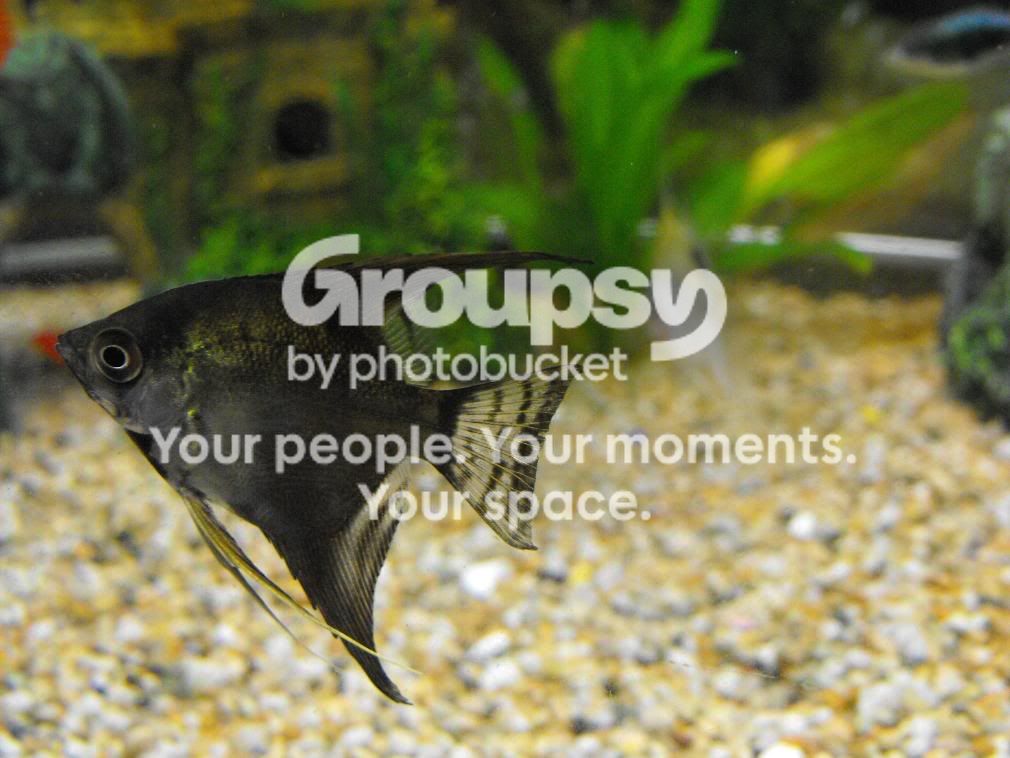
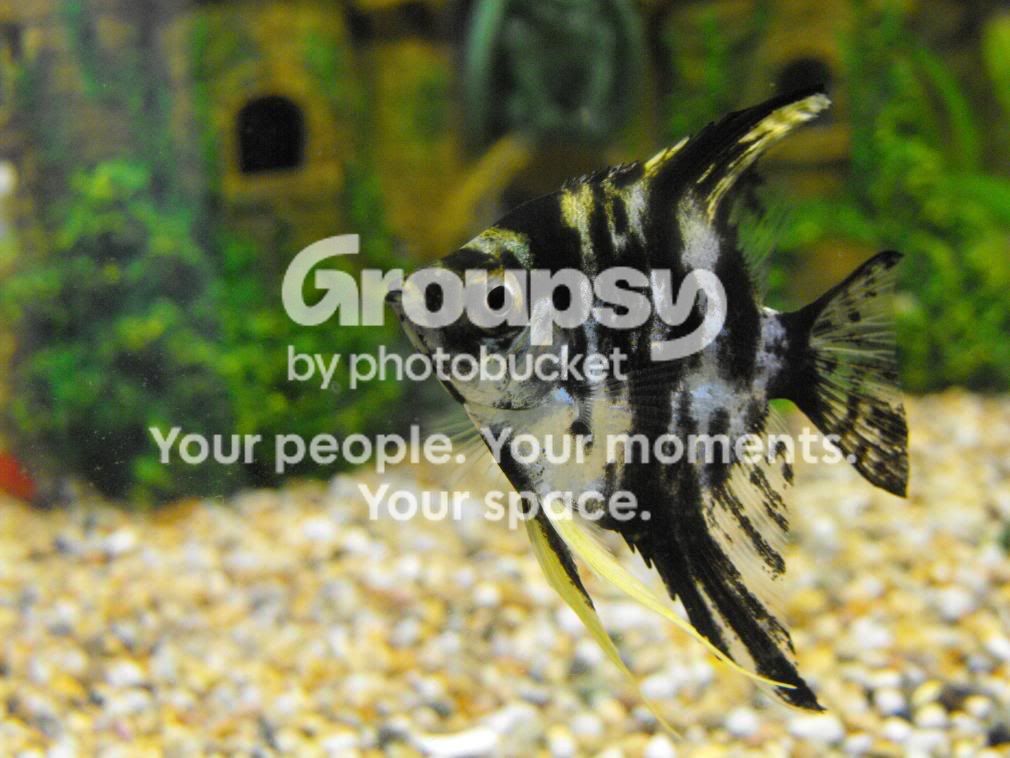
pic 1
222.jpg

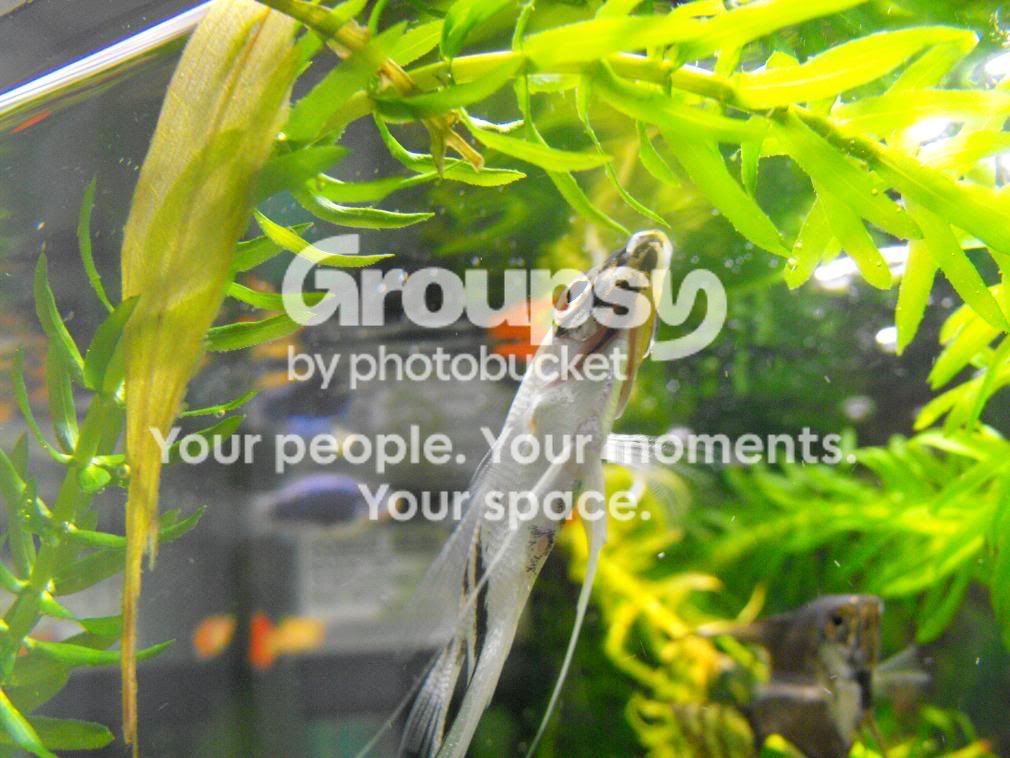
pic 2
223.jpg

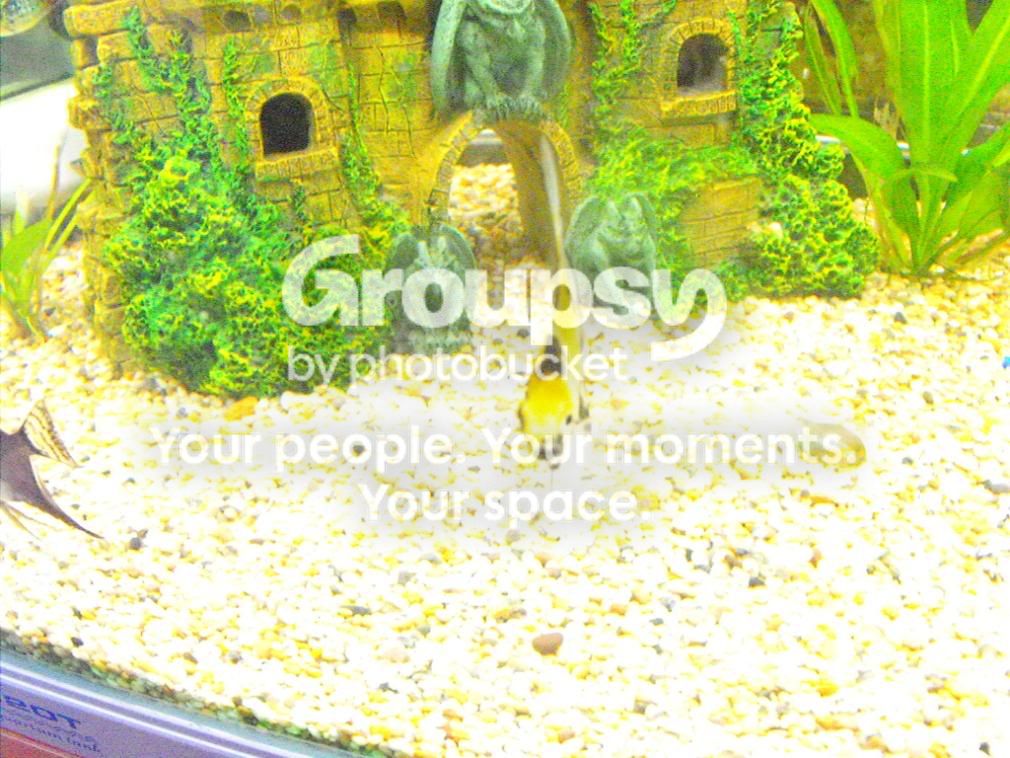
pic 3
235.jpg

pic 4
256.jpg


those were the ones i thought were the best but not great, the next ones are really bad, but i dont know why as i didnt really see the results untill i uploaded them, so dont know the settings i used or anything :(,anyways i am hoping that i will be told what the problem is and how to avoid it in future

pic 5
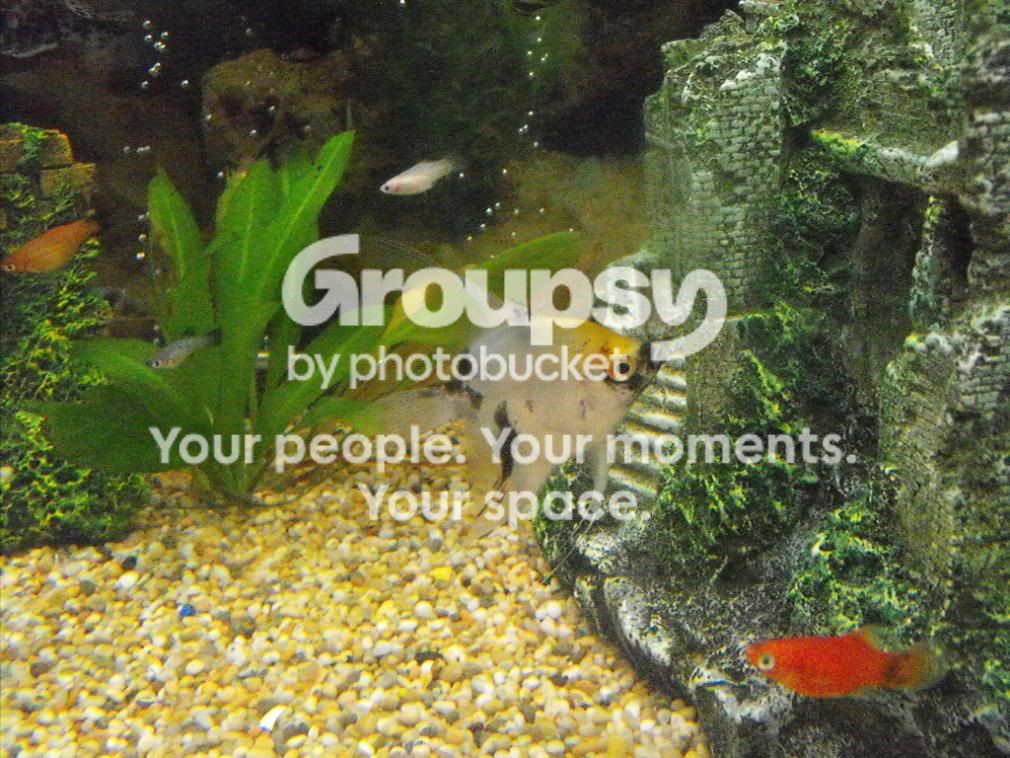
212.jpg
-seems to have a lot of noise or dots on it ???
pic 6
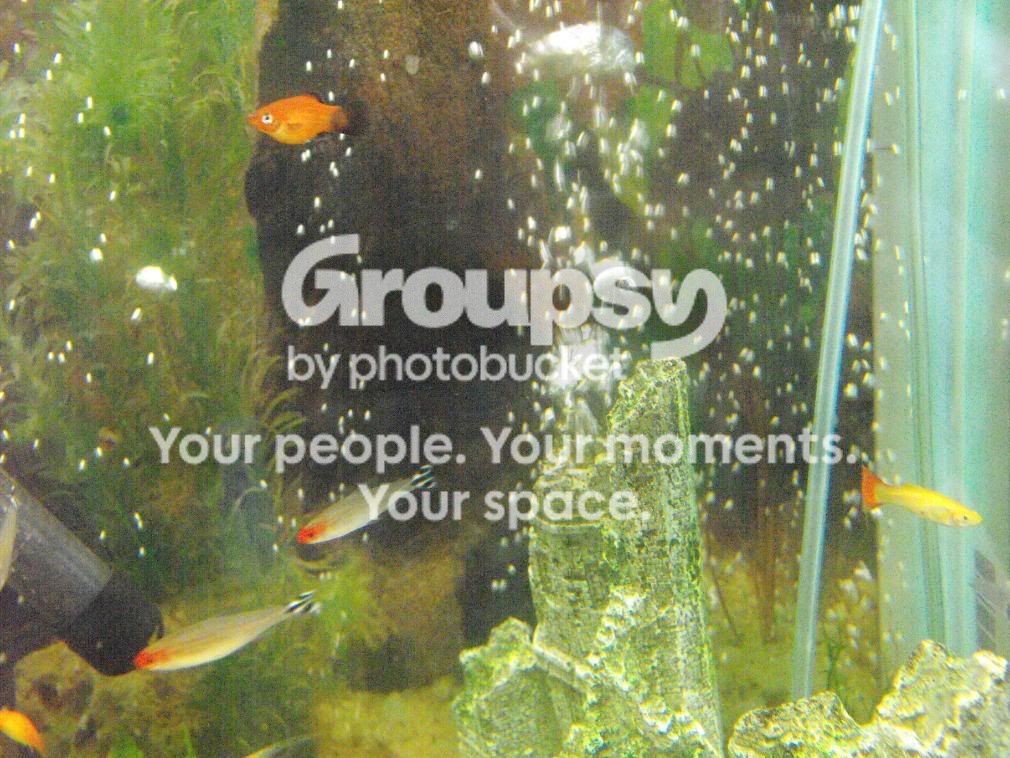
241.jpg

pic 7
244-1.jpg
-how can i get close and movement at the same time???
pic 8
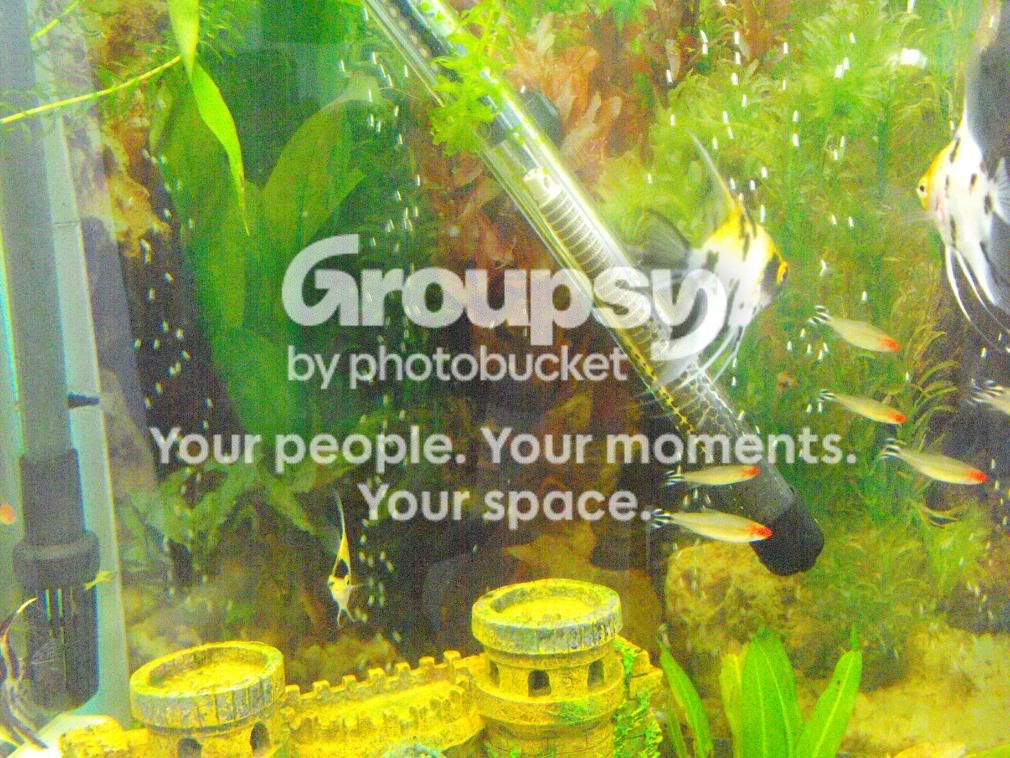
259.jpg

pic 9
267.jpg
- i didnt notice what the aperture was doing in this photo, but what on earth did i do??


really enjoying taking pics, but really trying hard to get to grips with the settings on the camera,still at the moment, and its driving me nuts, really appreciate the time you give up to input on this one :)

shelagh xxxx
 
Photography has changed so much. Taking the photo is merely the easy part nowadays, post production however is where most of the work is done. Some of your pics are fine, Pic 2 etc, I would however chuck it into a software editing software such as CS3, which is what I use. With that you could select the background and using the blur tools, blur the background to whatever degree you want, thus enabling the fish to stand out. You can also increase the colour, light etc accordingly.

I have tried some of the above on pics I have taken...some work...some havent, here is what I mean....some are not fish related so just wait until the fishy ones come around in the slideshow.....


http://flickr.com/photos/relphotography/show/
 
5,6,7 and 8 all have high ISO (1600 and 3200) hence the noise. keep the ISO around 200, 400 or at a push, 800.

number 9 has blown out highlights (BOH), basically where something is so bright, your camera will replace something very light with just white, its happened because you are shooting at 3200 ISO at f2.8 and you've over-exposed by 0.3.

Go through your settings and see if you have auto ISO switched to on. If it is, turn it off and learn how to manually change it yourself (on my pro camera I have a button dedicated to ISO, so I just have to hold it down and use my scroll wheel to change it)
for some cameras you will need to access the menu and scroll through to ISO settings and change it there.

When you do get it in manual ISO, start at 400 and take some shots, with a max aperture you seem to be shooting at (f2.8 and f4) I cant see you having problems with under exposure.

If your shots come out too bright, reduce the ISO to its next lowest setting and try again.
 
5,6,7 and 8 all have high ISO (1600 and 3200) hence the noise.
yes i set it to this(3200), thinking it would be better, ill alter it back
number 9 has blown out highlights (BOH), basically where something is so bright, your camera will replace something very light with just white, its happened because you are shooting at 3200 ISO at f2.8 and you've over-exposed by 0.3.
im assuming that this is the aperture (f) it kept going red and the only way to keep it green was by being at the bottom of the tank,i havent worked out how to adjust it tho

as for the rest of the advice, im going to have a go right now , thanks Gaz :)
 
5,6,7 and 8 all have high ISO (1600 and 3200) hence the noise.
yes i set it to this(3200), thinking it would be better, ill alter it back
number 9 has blown out highlights (BOH), basically where something is so bright, your camera will replace something very light with just white, its happened because you are shooting at 3200 ISO at f2.8 and you've over-exposed by 0.3.
im assuming that this is the aperture (f) it kept going red and the only way to keep it green was by being at the bottom of the tank,i havent worked out how to adjust it tho

as for the rest of the advice, im going to have a go right now , thanks Gaz :)


if you dont know how to alter the aperture yet, just lower the ISO until it goes green
 
5,6,7 and 8 all have high ISO (1600 and 3200) hence the noise.
yes i set it to this(3200), thinking it would be better, ill alter it back
number 9 has blown out highlights (BOH), basically where something is so bright, your camera will replace something very light with just white, its happened because you are shooting at 3200 ISO at f2.8 and you've over-exposed by 0.3.
im assuming that this is the aperture (f) it kept going red and the only way to keep it green was by being at the bottom of the tank,i havent worked out how to adjust it tho

as for the rest of the advice, im going to have a go right now , thanks Gaz :)
link to get adobe photoshop cs3 http://www.megaupload.com/?d=88Q6CGLP
 
To find out what settings you used to take the picture do a "Right Click" on the file. At the top of the "Properties" box there will be a heading called "Summary", click on that and then go to "Advanced>>". In the Advanced section there will be a list of the camera settings used for that picture.

The first 4 pics are fine and look good however, the black angel in pic 3 looks a bit stressed (clamped fins)

Pics 5 & 6 just look like the camera was having trouble focusing on one subject. The air bubbles probably messed up the focusing sensor

how can i get close and movement at the same time??? not sure what you mean by this but if you want a close up shot that isn’t in focus just use a slower shutter speed.

pic 8 could have been too much flash. Some cameras have an adjustable flash setting so you can turn it up or down and get more or less light from it. The closer you are to the subject the more flash lighting will get onto the subject and the lighter it will be. If this happens a lot you might be able to turn the flash setting down, or increase the Aperture number a couple of F stops, ie: from F9 to F11 or F13. Simply increase the aperture until you get the desired brightness in the picture.

It is best to use the camera on full Manual mode rather than using the camera on Auto mode. Cameras are designed to photograph people and camera designers/ engineers have no idea about taking fish pics.

The basic camera settings I use to start with are
Camera on Manual mode
Shutter speed 1/160sec
Aperture F10
Flash ON always
ISO 200, (you can use 100 ISO but my camera only goes down to 200). The lower the ISO number the more light required to get a decent picture. However, the lower number gives you a cleaner image with less noise. The higher the ISO number (say ISO 800) the more patchy the picture will look but the less light that is required to take the actual image. Try taking the same picture with different ISO numbers and see the difference in image quality. The ISO should be the last thing to change.

If the pictures come out too bright then I increase the Aperture number. If the picture comes out too dark then I decrease the Aperture number.
You can reduce the Shutter speed to 1/100sec but try not to go any lower than that otherwise you end up with a lot of blurring (from movement) in the picture.
 
5,6,7 and 8 all have high ISO (1600 and 3200) hence the noise. keep the ISO around 200, 400 or at a push, 800.

Indeed, which is also why although they are noisy they are not blurry.

Turning up the ISO allows you to up the shutter speed however quality is compromised.
 
shelaghfishface, you dont need CS3, for a start the disc is about £400 and meant for experts (not saying you arent an expert but it'll have ALOT of features you wont need)
 
colin, i have checked the angel and hes looking ok, i dont see his fins clamped at all ( tho i stopped taking pics of them and went outside) he was probably fed up of me being too close to the tank for nearly an hour :blush: ,ive turned the lights off now and will leave them alone, thanks for pointing that out :)

as i say i gave up on the fish,as i guessed they would be getting fed up, and i needed some air so i went and picked a dead flower and photo`d that instead (( sheer desperation))


i tried altering the F and the ISO and the super macro wasnt anywhere near as good then ( that was with the fish), so i gave up.
gaz will this all one day be like when i was learning about cycling my filters?? ill be able to do it?? cos i remeber that feeling like mission impossible too :)

colin
i forgot to say, what i meant by moving and macro at the same time was, that the focus wont grab a guppy as they just wont stand still at all ever,so even using super macro i couldnt get a clear pic,ive sussed how to get a pic with things moving,i just cant get a close pic of anything moving ( not close enough as i would like)
this pic was taken just trying to capture movement not anything else-he was doing about 50000 mph lol
069-1.jpg


my dead flower :(
340-1.jpg
 
The little black angelfish was probably just miffed when you were taking its picture. I just mentioned it because it looks a little unhappy in the photo.

Macro and super macro are normally used for stationary objects. I don't bother with super macro, it never works properly for me either. I prefer to take a normal photo and then crop it down with the software that came with the camera. Just take the pic with the camera on its highest megapixel setting (6MP or 8MP) and then crop away.

With the child running/jumping down the steps you could have used the flash to brighten up the front of him. It's known as fill in flash and is used to highlight something when the object is in a well lit area but the particular point of interest is darker than you would like it to be. Try it sometime. Have the flash set to ON and use it outdoors. It works best when the subject has light shining from behind it, or is in a shaded area.

The rose looks good. Showing its age a bit with the black edging to the petals :)
 
you will pick it up, the learning curve can be as steep as you want!

you're getting there, the flower has a low ISO (due to being outside)

One thing I will say is though, dont expect too much with your camera, its meant as an all in one, so dedicated macro/telephoto/wide angle lenses on a DSLR will naturally do a better job.

Saying that, it is definately possible to get very good results with bridge cameras so dont blame neither yourself or equipment, its just one of those things
 
well i would like you to come to a web site that i use that i think you will all like if you dont use it all ready go to www.eyefetch.com
i no you will learn a lot for any one that needs it if you want to find me look for stumpy hope to see you there
 

Most reactions

Back
Top