Pictures

mystus

Fish Crazy
Joined
Aug 3, 2009
Messages
227
Reaction score
0
Points
0
Location
Hawaii, USA
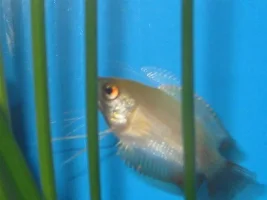
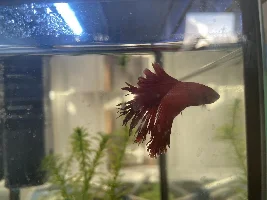
How do you crop out everything around the fish i can't find a program that i can do this with.

When taking pictures does it seem a bowl front tank make the picture different from a regular tank?

I have a canon power shot sx200IS it has an aquarium mode should i use it? IS ther some way to make the camera focus?
 
Have a look at these threads which should help you:

http://www.fishforums.net/index.php?/topic/114969-how-and-why-to-resize-pictures-using-ms-paint/
http://www.fishforums.net/index.php?/topic/19038-taking-great-fish-photos-how-to/
 
Use a free program called Irfanview, its quite good for picture editing and you should be able to crop pictures fine to get rid of the backgrounds :good:

Do you mean crop a picture to a smaller square/rectangular shape to get rid of most of the background or do you mean actually crop around the shape of the fish? For the latter you'd need an advanced editor, something like adobe photoshop.

Andy
 
If your wanting to remove the background from a picture "quickly" you will need an advance photo editing programme, but if you have the time and patience you can also use MS Paint. Just go to view, zoom, custom, 400/800 then select the rubber tool and you can delete pixels one by one or use the bigger tool to be quicker. Or just take a photo of the fish with a piece of A4 paper on the back of the tank.
 
Use a free program called Irfanview, its quite good for picture editing and you should be able to crop pictures fine to get rid of the backgrounds :good:

Do you mean crop a picture to a smaller square/rectangular shape to get rid of most of the background or do you mean actually crop around the shape of the fish? For the latter you'd need an advanced editor, something like adobe photoshop.

Andy

Crop around the shape. I can do the resizing thing and cut most of the background out.

Gaz_s - I couldn't find oh i was using MS picture thing haha woops thanks
 
To crop around the shape you are going to need the pen tool in photoshop. You have to buy photoshop in that case as it doesn't come with the Elements versions.

Otherwise you will have to do it by hand with the eraser which is probably going to leave a jaggidy looking edge.
 

Most reactions

Back
Top